

A business site should help visitors understand what you offer, trust your brand and take the next step. For Pakistani businesses, that step might be requesting a quotation, booking an appointment or placing an order.
A wordpress website can support these goals while giving you a dashboard for managing pages and publishing content. However, a successful project requires more than installing software and choosing colours.
This guide explains how to plan your site, understand development costs and prepare for launch. It focuses on the self-hosted approach, where you arrange your own domain and hosting.
Why Choose This Platform?
WordPress is a content management system that lets you organize pages, articles, images and other content through an administrative dashboard.
It can suit business sites, blogs, portfolios, depending on the features you configure. Themes provide presentation options, while plugins add functionality.
For business owners, the practical advantage is being able to update routine content without asking a developer to change every sentence. More complex layouts, integrations and technical issues may still require professional help.
Choose the platform according to your requirements, maintenance capacity and budget.
Start with Your Business Goals
Before discussing layouts, decide what your site needs to accomplish. A consultancy might prioritise enquiries, while a retailer needs product discovery and ordering.
Write down your audience, services, target locations and primary customer action. Then prepare a simple page list.
Most business sites need a homepage, service pages, an about page and contact information. A blog can support useful educational content.
Avoid adding features simply because another business uses them. Every section should serve a clear purpose.
Understanding Development Costs
People searching for wordpress website price in pakistan often want one fixed figure. In practice, quotations depend on the scope, functionality and ongoing support required.
A basic brochure site differs from a store with product variants, payment integrations and custom features. Content writing, photography, data entry and revisions can also affect the quote.
Ask developers to separate these expenses:
- Domain registration and renewal.
- Hosting and renewal charges.
- Design and development.
- Paid themes or plugin licences.
- Content preparation and product uploads.
- Maintenance and technical support.
Request prices in PKR. Some subscriptions may be billed in foreign currency, so check how renewal costs will be handled.
Compare written deliverables rather than the headline price alone. Clarify ownership, revision limits, timelines and what happens after launch.
Planning the Look and Experience
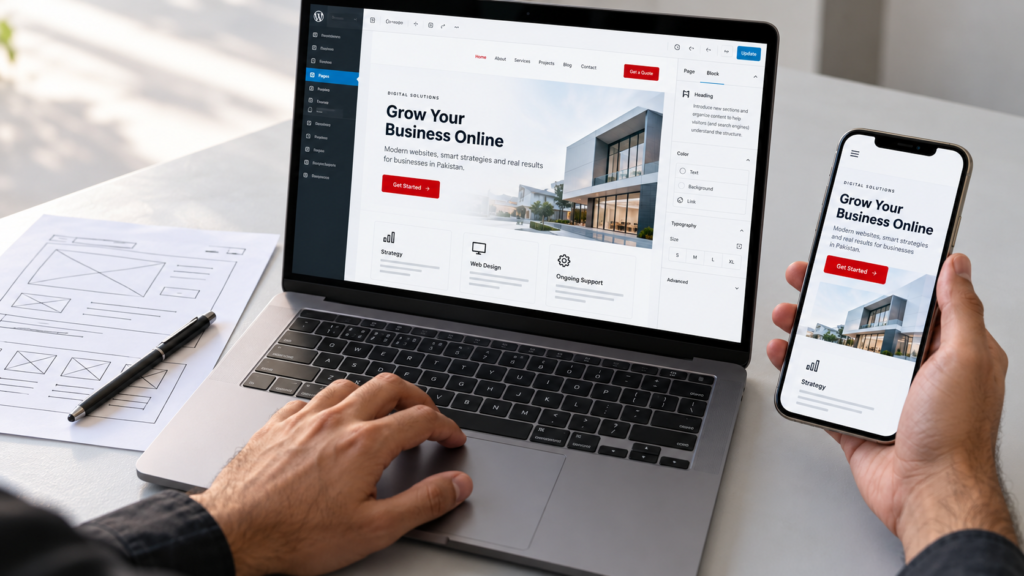
Effective wordpress website design starts with how customers use the site. Visitors should quickly understand your offer and find the information needed to act.
Keep navigation descriptive and manageable. Use readable typography, consistent colours and sufficient spacing. Place contact options where they make sense.
Design for mobile screens from the beginning. Check that menus, forms and buttons remain usable without awkward scrolling.
If you serve both English and Urdu audiences, plan language requirements early. Urdu content may need appropriate fonts and right to left layouts.
Use accurate business details and genuine examples of your work.
Setting Up Your Site
If you are researching how to create a website on wordpress, begin with a domain and suitable hosting. Many providers offer installation tools, although the exact process varies.
Choose Your Domain
Select a name that matches your business and is easy to communicate. Check availability and renewal terms before purchasing. Keep registration access under your control.
Arrange Hosting
Review support, backups, SSL availability, storage and renewal pricing. Ask whether the plan supports your expected site requirements.
Install and Configure
Use your host’s installer or follow official installation guidance. Set your site title, administrator credentials, timezone and preferred URL structure.
Select a Theme
Choose a theme that supports your content and layout needs. Test its mobile behaviour and editing process before building all your pages.
Add Essential Features
Install plugins only for defined requirements, such as forms or store functionality. Review compatibility, support and licensing.
Creating Pages That Help Customers
Business owners asking how to make a wordpress website should give content as much attention as setup.
Your homepage should explain who you help, what you provide and how to contact you. Service pages should describe deliverables, processes and relevant questions.
Use specific wording rather than unsupported claims. Include genuine testimonials only with appropriate permission.
For Pakistani stores, explain delivery coverage, payment options and order handling. Confirm that any displayed payment method actually works.
Test forms and messages so enquiries reach the right person.
Before approving the final version, test the site on different phones and browsers. Check contact details, page links, forms and purchase journeys. Resolve any problems before sending advertising traffic to your site.
Preparing for Search Visibility
Give each important page a clear topic and descriptive title. Organise content with logical headings and connect related pages through useful internal links.
Write for customer questions instead of repeating keywords. Add meaningful image descriptions where appropriate and compress oversized images.
Review indexing settings before launch. Development environments may intentionally discourage search indexing; the public site should have the appropriate settings to its purpose.
A sitemap and Search Console can help you monitor discovery and indexing. Publishing does not guarantee rankings.
Maintenance After Launch
Keep core software, themes and plugins updated. Back up your database and files, and confirm that restoration is possible.
Before significant changes, create a backup and test important functions afterward. Review enquiries, broken links and renewal dates regularly.
Assign responsibility for maintenance instead of assuming the developer will handle it indefinitely.
Frequently Asked Questions
Can I update content myself?
Yes, routine editing is possible through the dashboard.
Is hosting included?
Only if your agreement explicitly includes it.
Can I add online selling later?
Often, but discuss compatibility and requirements first.
Build Around Your Customers
Plan your content, costs and responsibilities before development starts. A clear brief helps your site support real customer needs.